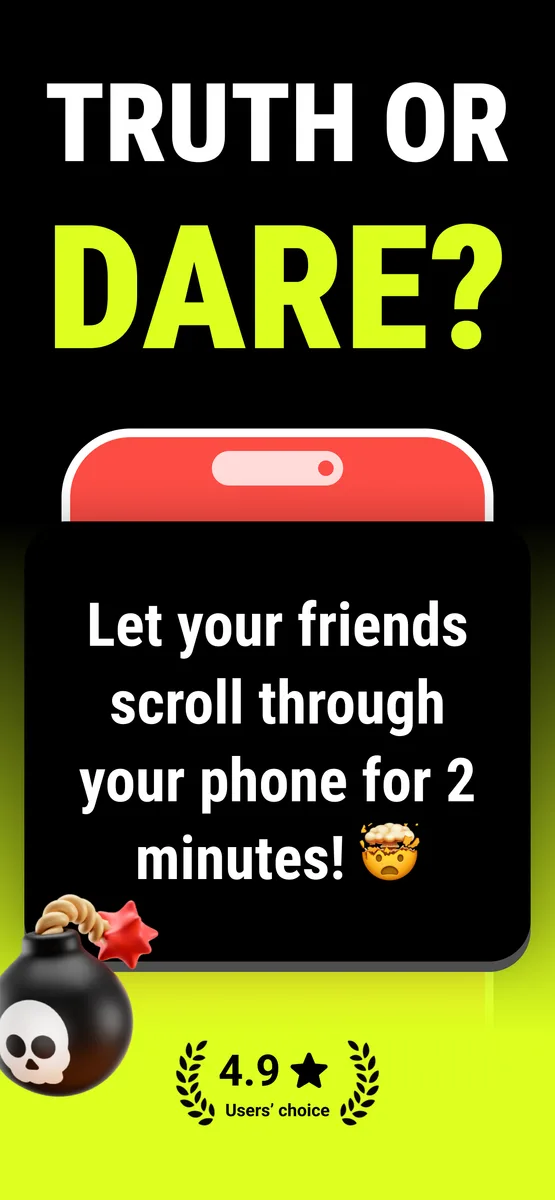
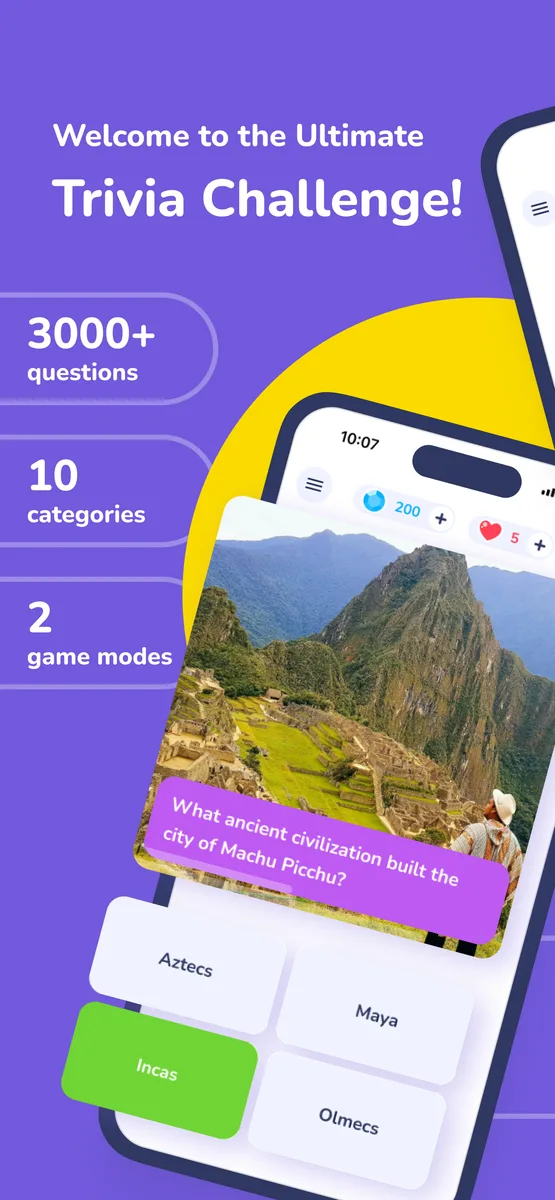
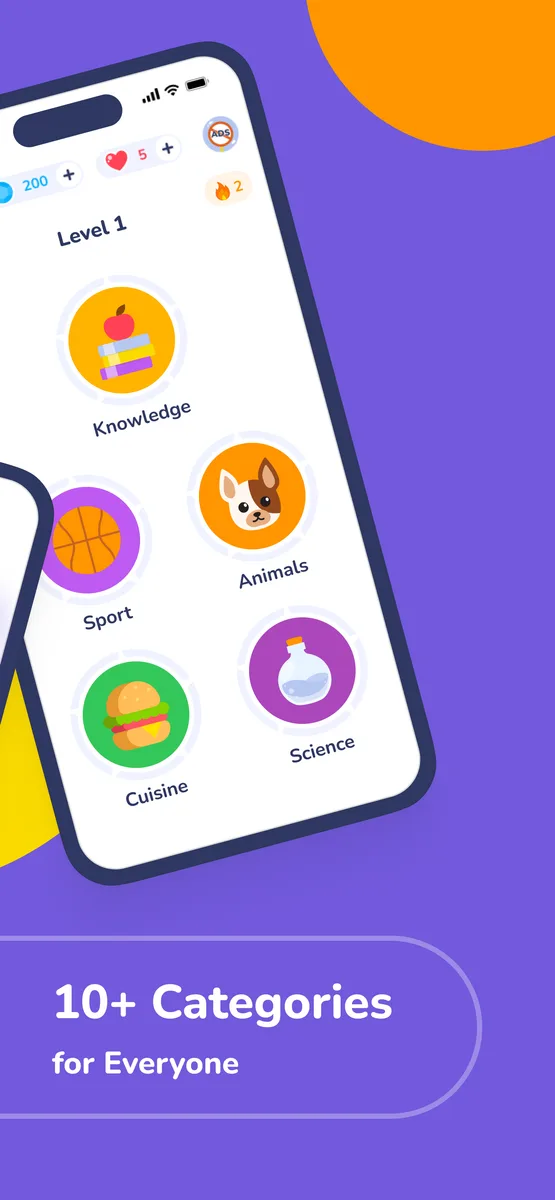
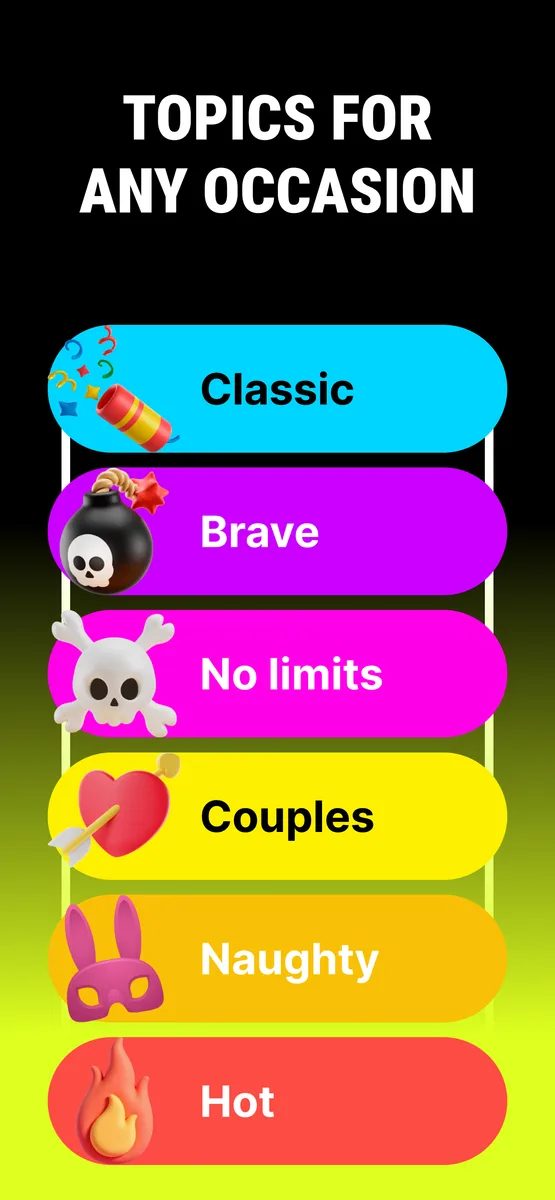
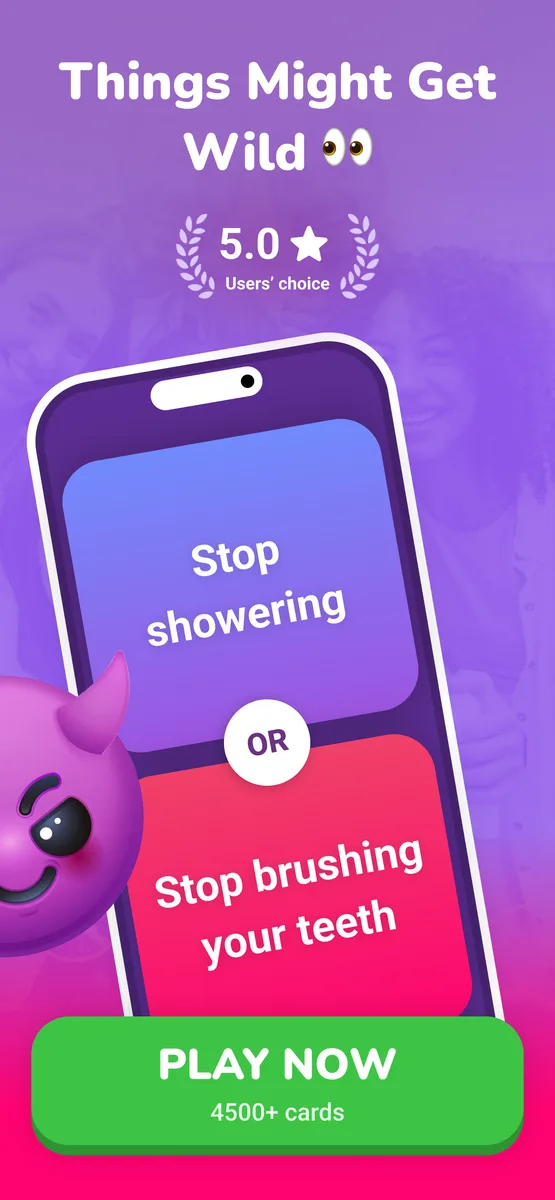
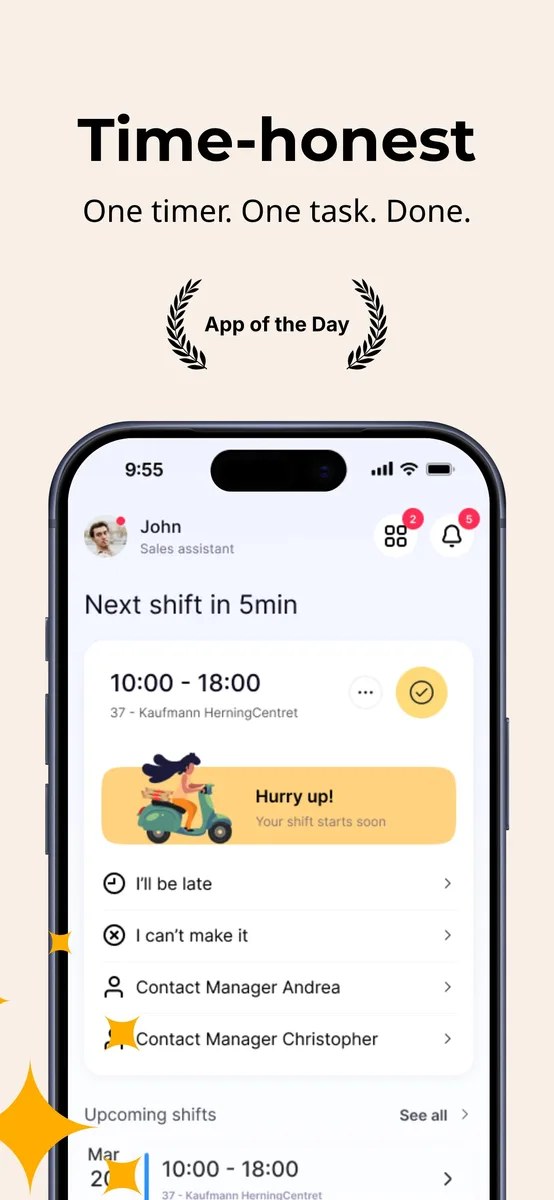
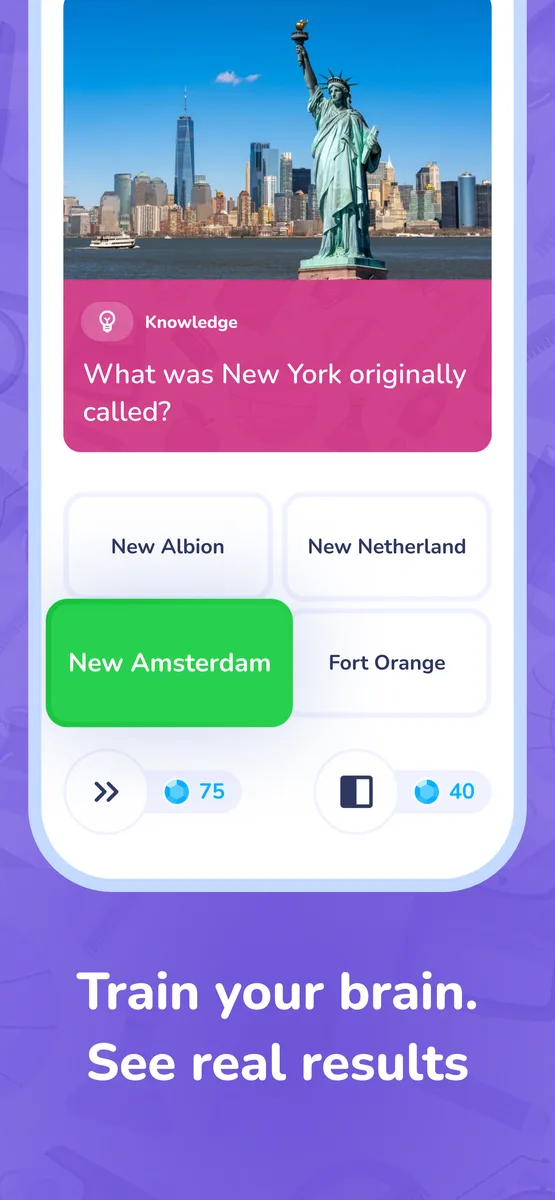
Your app store screenshots,
done right.

Templates, localization, 1-click publish to App Store & Google Play. No designers. No waiting.

Better Screenshots
60%

of downloads are decided by screenshots alone. First impression is everything.

Conversion Lift
+30%

avg. lift in installs after localization. Visitors who get your screenshot buy it.

Download Lift
+128%

avg. after full localization. More installs at the same ad spend.*

Markets Reached
80+

languages supported in one click. Ship to every major App Store market with one design.

* Industry average across App Store and Google Play. Source: AppDrift, MobileAction, Storemaven research.

Stop doing it the hard way.

Design once. Ship everywhere. In minutes.

The manual way

What most developers still do

1Design in Photoshop or Figma
2Hire a translator or use Google Translate
3Resize manually for every device size
bored yet? we were too.
4Export each file one by one
5Upload to App Store Connect, locale by locale
6Repeat everything for Google Play
8h+ per release cycle. Every. Single. Time.

With Boom Screens

80+ languages · 1 click publish to App Store & Google Play

1Pick from 50+ professional templates
2AI localizes into 80+ languages
3Publish to App Store & Google Play in 1 click
with saved time
4Focus on what actually grows your app
5Ship the next feature instead
6Go touch some grass 🌿
Most users finish in under 15 min.
Start free now

Beautiful templates.
For every app.

Pick a style, drop in your screenshot, edit the copy — then AI localizes it into 80+ languages.
What would better
screenshots earn you?

Better screenshots lift conversion by ~30%. See how much more you earn with Boom Screens vs without.

Monthly downloads2.0k
Avg. revenue per install$0.50
Extra installs/month+600
Extra revenue/month+$300
+$3.6k more earned3 mo6 mo9 mo1 yr
With Boom Screens
Without

Based on a 30% avg. conversion lift from screenshot optimization. Actual results vary by app category, traffic quality, and monetization model.

Comparison

How Boom Screens compares

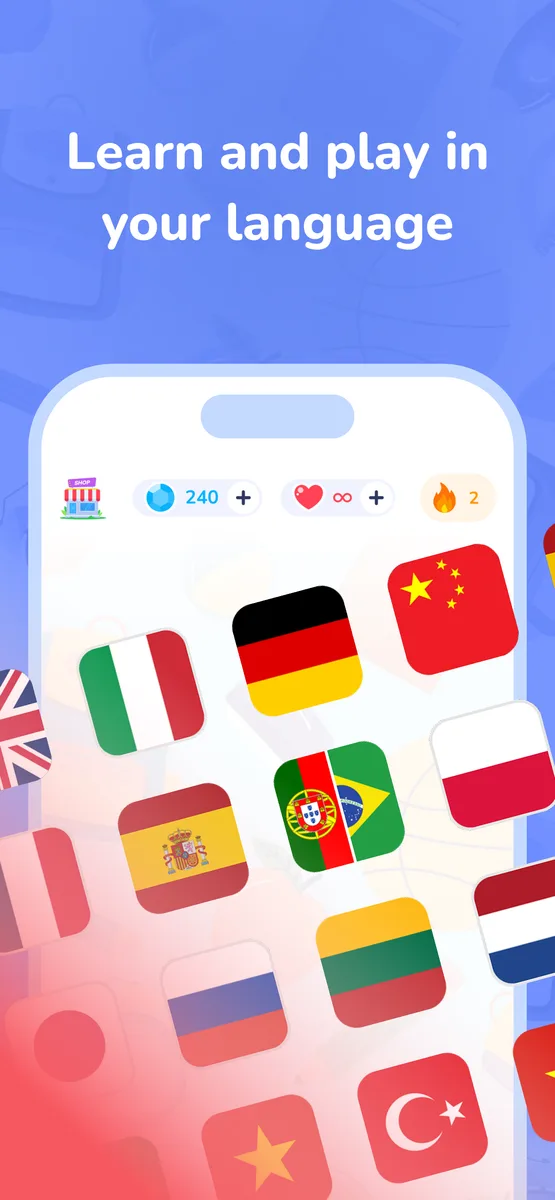
Screenshots in English reach 25% of the market.
Localized ones reach all of it.

Others
Visual canvas editor
Device frame mockups
App Store & Google Play export in 1 clickPartial
AI text localizationPartial
80+ languages in 1 clickPartial
RTL (Arabic) auto-layout
Auto-fill from App Store

Based on publicly available feature lists of the most popular app screenshot generators on the market.

Try for free. Upgrade when you're ready.

Your screenshots are free to design. The moment you publish, we grow together.

Free

$0

No credit card required

1 project · 3 screenshots
15 AI translations / month
All templates, mockups & effects
3 AI design generations
Start for free →
Most popular

Starter

$25/mo

$225 first year · 3 months free

5 projects · 10 screenshots each
Export ZIP for any 3 languages
Publish to App Store & Google Play
300 AI translations · 20 AI designs
Locale QA grid
Get Starter →

Pro

$49/mo

$441 first year · 3 months free

Unlimited projects
Export all languages
Unlimited AI translations & designs
Figma import
RTL languages (Arabic, Hebrew…)
Version history · Priority support
Get Pro →

No lock-in · Cancel anytime · Free plan includes design & preview

Frequently asked questions

No. Boom Screens is built for developers and indie makers who are not designers. You can start from an AI-generated template — pick your app category and style, and the AI produces a full professional layout — or use the visual editor to customize colors, fonts, captions, and device mockups yourself. No Figma experience required.

Every text layer in your screenshot set is translated by Claude AI with one click. The AI preserves your layout, font sizes, line breaks, and visual style in every language. For RTL languages like Arabic and Hebrew, text direction and alignment are flipped automatically. On Pro, all supported languages are included; on Starter, up to 3 languages per export.

Yes, on Starter and Pro plans. You connect your App Store Connect or Google Play account once, and Boom Screens uploads the correctly sized, correctly named screenshots for every device size and every language directly to the store — no manual uploading through App Store Connect or Play Console required.

The AI template generator creates a complete, ready-to-edit screenshot set from scratch based on your app category and a short style description. It selects a color palette, typography, layout, and writes the headline captions for each screen. The result opens directly in the editor, where you can swap in your real UI screenshots and adjust anything. It is the fastest way to go from zero to a professional-looking first draft.

Boom Screens exports all required App Store sizes — iPhone 6.9", 6.5", and 5.5", plus iPad Pro 13" and 11" — and Google Play sizes, all at native resolution. The ZIP is organized by device size and language, exactly as App Store Connect and Google Play Console expect.

Yes. The editor canvas is sized for App Store (iPhone 6.9") and the export generates correctly sized assets for every App Store device and every required Google Play size. Localization works the same way for both platforms.

Under a minute for the AI translation step itself. Design your screenshots once in the editor, click Localize, and the AI rewrites every caption in every selected language while keeping your layout intact. Export takes another minute to generate and zip all device sizes. What used to take days in Photoshop or Figma — or weeks coordinating with a designer — runs in a single session.

Yes. The free plan includes 1 project, up to 3 screenshots, and full access to the visual editor and AI template generator — so you can design and preview a complete set before paying anything. Export, publish, and localization into more than one language require a paid plan. Starter is $25/month (5 projects, 3 export languages, direct store publish). Pro is $49/month (unlimited projects, all languages, RTL, Figma import, project history).

Ship your app
to every market.

AI templates, device mockups, 10-language localization,
and direct publishing to App Store & Google Play.

No credit card required · Free plan always available